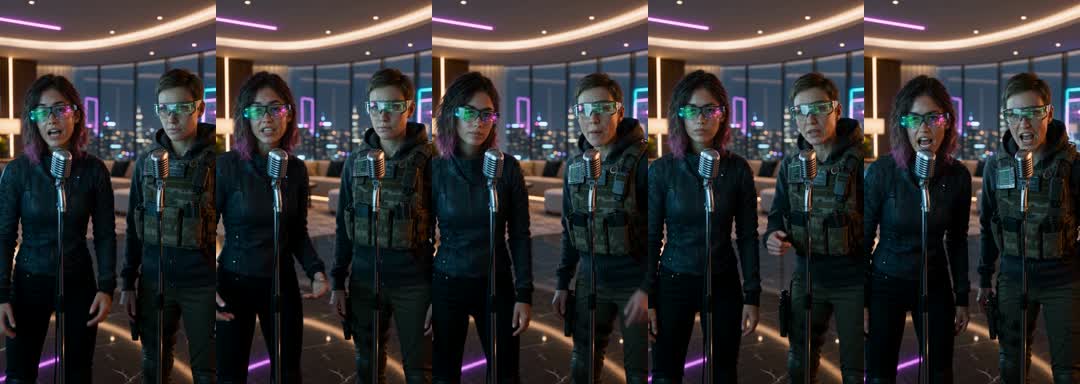
Best friends
Turn years of inside jokes into one performance — it works even if you haven't been in the same room for months.
Photo-to-video effects
Upload your photos, choose an effect, and create your AI video. Explore Hotel Lobby AI, Bulin 47, and Burning Bridges.
Doing the Hotel Lobby trend? Make yours here1Add two photos — one person each
Front-facing, well-lit selfies work best. One face per photo — they don't need to be taken together.
2Choose an effect
The pricing page shows plans and test checkout. Live charges, credit deductions, automatic refunds and paid unlocking are not connected.
The AI effect trend
EffectDrop offers a Hotel Lobby AI photo-to-video studio and entries for Bulin 47 and Burning Bridges. The current generator uses two separate portraits and adjustable length; check the studio notice for availability.
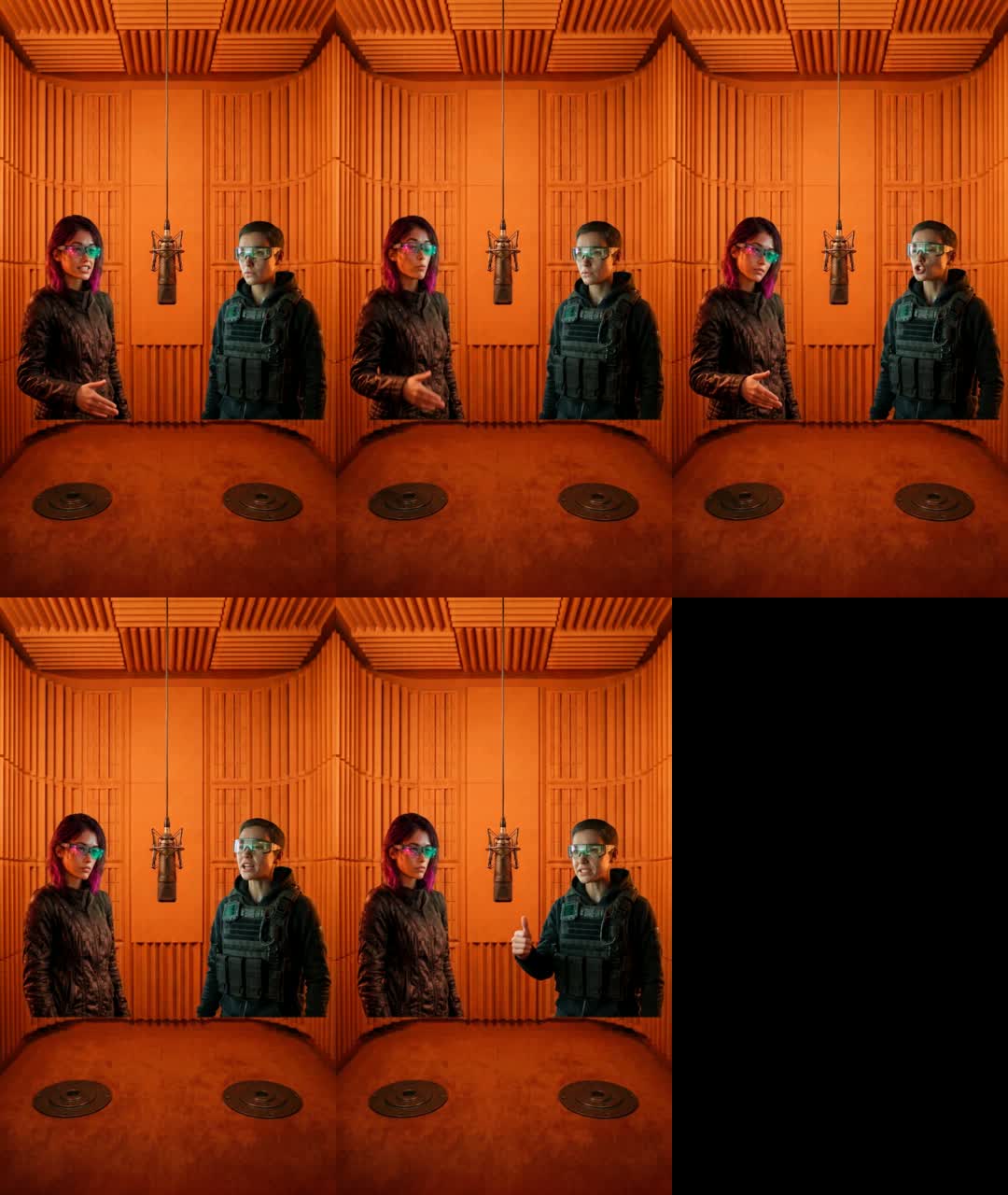
Hotel Lobby AI is inspired by the two-person orange-booth performance. Bulin 47 and Burning Bridges are separate effect entries, not names for the same trend.
Choose an effect and generation settings to create an AI video ready to share.
Hotel Lobby AI video generator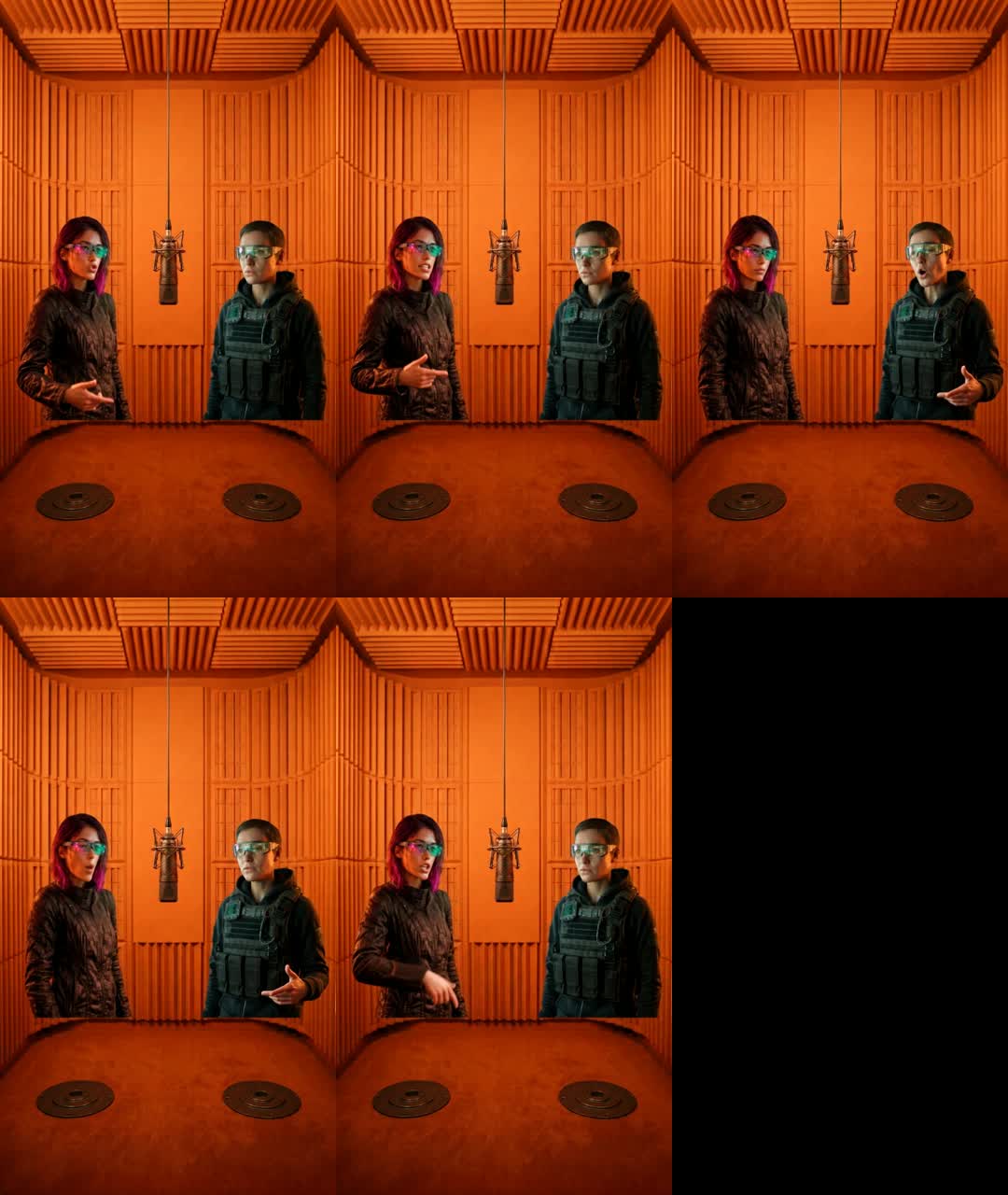
How it works
Upload photos, confirm settings, then generate and preview in the studio.
Add one clear, well-lit face photo per person to the two separate upload slots.
Hotel Lobby AI is selected by default. Expand the length settings to adjust the clip; check the studio notice for other effects' availability.
Click Generate effect video. When generation is enabled, follow the progress and play the result. Timing depends on the engine and queue; no unlock step is required.
Ideas
Turn years of inside jokes into one performance — it works even if you haven't been in the same room for months.
Create a video with your partner using a shared effect.
Create a clip with the birthday person and a friend, then add birthday wishes to the post caption.
Choose friends from the group and make a video together.
Pricing
Plan prices are previews. Test checkout does not charge or grant credits. Current generation supports adjustable length with 720p, 9:16 output; costs depend on the enabled engine.
Basic
100 credits / month · ≈ 10 videos
$29.90/mo
≈ $2.99 / video
Pro
Save 44%300 credits / month · ≈ 30 videos
$49.90/mo
≈ $1.66 / video
Studio
Save 58%800 credits / month · ≈ 80 videos
$99.90/mo
≈ $1.25 / video
Basic: 10 videos a month for $29.90. The Crew Pack is 35 videos for $99, once.
Single
10 credits · ≈ 1 video
$6.99
≈ $6.99 / video
Creator Pack
Save 17%50 credits · ≈ 5 videos
$29
≈ $5.80 / video
Crew Pack
Save 60%350 credits · ≈ 35 videos
$99
≈ $2.83 / video
Studio Pack
Save 68%900 credits · ≈ 90 videos
$199
≈ $2.21 / video
Label Pack
Save 76%3000 credits · ≈ 300 videos
$499
≈ $1.66 / video
Test checkout; no real charges · Packs are one-time and never expire · Plans renew until canceled — cancel anytime in Billing
This is a reference credit table, not current engine billing or available model settings. Current output is fixed at 720p, 9:16.
| Model | 480p | 720p | 1080p |
|---|---|---|---|
| StandardSeedance 2.0 Mini | 5 credits | 10 credits | — |
| FastSeedance 2.0 Fast | 8 credits | 17 credits | — |
| ProSeedance 2.0 | 10 credits | 20 credits | 50 credits |
| UltraSeedance 2.5 | 17 credits | 37 credits | 93 credits |
Why EffectDrop
Other apps bury the effect in a template library. Here it's the whole product: two photos, one button.
The pricing page shows plans and test checkout. Live charges, credit deductions, automatic refunds and paid unlocking are not connected.
No prompts, no timeline, no settings to learn. If you can take a selfie, you can make an AI effect video.
Choose the effect you want and preview its result before creating your own video.
Select and preview photos in the browser. When enabled, generation produces a 720p, 9:16 clip; there is no paid unlock step.
The pricing page shows plans and test checkout. Live charges, credit deductions, automatic refunds and paid unlocking are not connected.
Selecting a photo previews it in your browser. Uploads occur only when enabled generation is submitted; the operator manages local and cloud copies.
FAQ
EffectDrop offers a Hotel Lobby AI photo-to-video studio and entries for Bulin 47 and Burning Bridges. The current generator uses two separate portraits and adjustable length; check the studio notice for availability.
Upload two separate face photos, confirm Hotel Lobby AI and the clip length, then click Generate effect video. No stage or lyric topic input is needed; check the studio notice for generation availability.
The pricing page previews plans and test checkout, with a $6.99 Single. Live billing, credits, subscriptions and automatic refunds are not connected; enabled generation can incur provider costs and is not a free service.
The pricing page previews plans and test checkout, with a $6.99 Single. Live billing, credits, subscriptions and automatic refunds are not connected; enabled generation can incur provider costs and is not a free service.
Upload two separate face photos, confirm Hotel Lobby AI and the clip length, then click Generate effect video. No stage or lyric topic input is needed; check the studio notice for generation availability.
One clear, front-facing photo per person, with the face well lit and not covered by sunglasses, masks or heavy filters. The photos can be taken in different places; you don't need a picture of the two of you together.
Choose 5, 8, 10, 12 or 15 seconds in Choose length. Output is currently 720p, 9:16; generation time depends on the engine and queue.
Play the completed video in the studio. Check likeness, audio and platform rights before sharing; AI-generated audio does not guarantee that a platform will accept a post.
The pricing page shows plans and test checkout. Live charges, credit deductions, automatic refunds and paid unlocking are not connected.
Only with their permission. Use photos of yourself and of people who agreed to be in the video. Don't use photos of minors without a guardian's consent, and don't impersonate celebrities or make videos meant to deceive or harass anyone.
The pricing page shows plans and test checkout. Live charges, credit deductions, automatic refunds and paid unlocking are not connected.
Hotel Lobby is a two-person orange-booth trend. The home page also lists Bulin 47 and Burning Bridges, which are separate effects.
Upload two separate face photos, confirm Hotel Lobby AI and the clip length, then click Generate effect video. No stage or lyric topic input is needed; check the studio notice for generation availability.